

Engineering Services
UI/UX design for business software
User experience engineering that turns complex multi-step business workflows into intuitive, efficient software.
- WCAG AAAccessibility target
- PrototypeTested with real users first
- TokensDesign system mapped to code
How we build
How we approach uI/UX design
Consumer app design emphasizes expansive white space and large images. Enterprise software, by contrast, requires high information density, rapid keyboard-driven entry, and visual hierarchy that prevents operators from confusing critical numbers on high-pressure production lines.
Read more
We approach UI/UX design with an engineering mindset. We don't deliver pretty static pictures that developers can't build. We design tokenized design systems in Figma with real data states, responsive behaviors, error flows, and explicit component documentation ready for handoff.
Connected to your core systems


- REST & webhooks
Typical stack
- Figma
- FigJam
- Tokens Studio
- Adobe Creative Cloud
- Atomic Design
- Design Tokens
- User Journey Mapping
- Heuristic Evaluation
- Interactive Figma Variants
- Storybook
What we deliver
Capabilities
Information Architecture & Workflow Mapping
Deconstructing convoluted business operations into logical hierarchical steps, eliminating unnecessary clicks and reducing cognitive load for operators.
Tokenized Design Systems & Component Libraries
Scalable design systems in Figma mapped 1-to-1 to CSS custom properties, so designs translate directly into production code.
Data Visualization & High-Density Tables
Ergonomic table designs with multi-column sorting, sticky headers, inline quick-editing, column resizing, and live sparkline indicators.
Role-Based Journey Modeling
Tailoring the UI for diverse personas: high-contrast simplified screens for warehouse pickers vs analytical drill-downs for CFOs.
Accessibility (WCAG 2.1 AA) Compliance
Ensuring all interfaces feature accessible color contrast, clear focus indicators, screen-reader compatible ARIA landmarks, and keyboard navigability.
Interactive Prototypes & Usability Testing
Clickable Figma prototypes tested with your actual floor operators and managers before a single line of production code is written.
How we deliver
From audit to hypercare
-
I-01
Operator Interviews & Workflow Audit
1–2 weeks
We interview actual system users, observe pain points, and map the happy path and exception flows.
-
D-01
Low-Fidelity Wireframing & Information Architecture
1–2 weeks
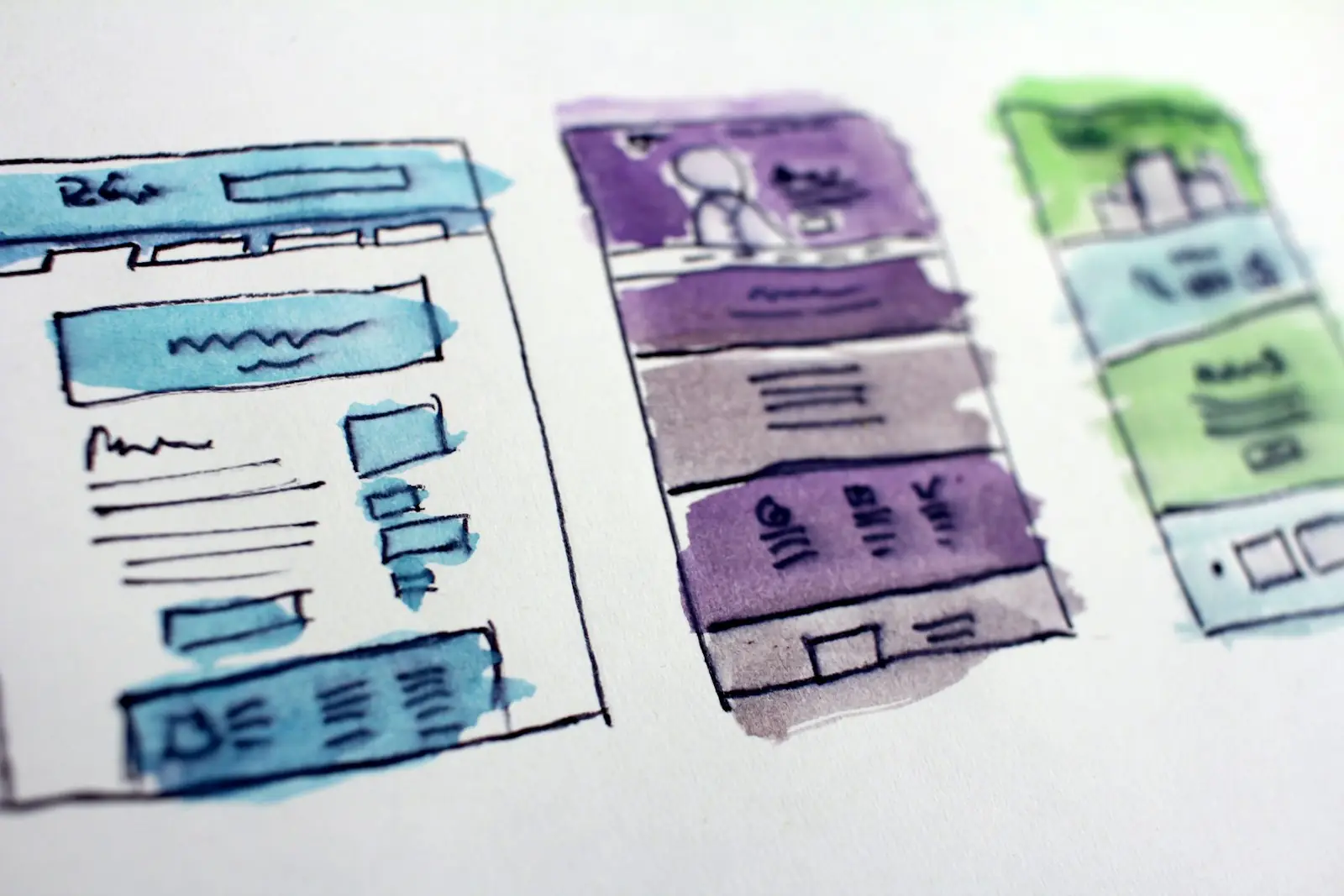
We establish layout structures, screen flows, and information hierarchy on paper and wireframes.
-
D-02
Design System & High-Fidelity UI
2–3 weeks
We produce pixel-perfect UI screens, design tokens, light/dark themes, and interactive component states.
-
D-03
Usability Testing & Refinement
1 week
We run structured usability tests with end users to validate task completion speeds and fix friction.
-
E-01
Developer Handoff & Specification
1 week
We deliver documented Figma files, asset exports, token JSONs, and paired reviews with engineering.
Engineering standards
How we build, compared with the usual shortcut
Designing giant, unreadable screens in isolation without testing real data length or edge cases.
Designing with actual database schemas, longest-string scenarios, and localized number formats.
Sacrificing operational speed for trendy animations that lag during fast keyboard data entry.
Keyboard-first navigation with Tab, Enter, and hotkey shortcuts for power users.
Delivering static mockups that ignore hover, active, empty, error, and loading states.
Exhaustive state matrices covering empty data, validation errors, partial permissions, and loading spinners.
Can you redesign our existing ERP or custom software without rebuilding the backend?
Yes. We often design modern frontend interfaces for legacy backends. If your backend exposes an API or database views, we can re-skin and streamline the user experience while keeping your core database intact.
What deliverables do we receive at the end of the design phase?
You receive a complete, organized Figma file containing all screens, responsive variants (desktop, tablet, mobile), an exported Design Token file (CSS/JSON), and an interactive clickable prototype.
How do you design for enterprise users who are not tech-savvy?
We design with extreme visual clarity: prominent primary action buttons, clear inline error validation, human-readable confirmation dialogs for destructive actions, and large tap targets.
Do you also implement the frontend code for your designs?
Yes. As a full-stack engineering team, our designers work alongside our frontend developers. We can deliver both the Figma design system and the production HTML/CSS/React/Vue components.

Next step
Build, buy or fix what you have?
A 30-minute call. We look at your workflow and data and tell you what we would do first.
First call: 30 minutes · A senior consultant, not a sales rep