

Warehouse pickers spend much of their shift walking around searching for misplaced items.
Fulfillment delays and more order errors.
M-04 · Operations
Stock visibility down to the individual bin, shelf and serial lot
Why the current way breaks
Warehouse pickers spend much of their shift walking around searching for misplaced items.
Fulfillment delays and more order errors.
Stock adjustments are made manually without an audit trail of who moved the items or why.
Unexplained shrinkage and inventory write-offs at fiscal year end.
What we build
Ruggedized Android/iOS scanner application for receiving, putaway, wave picking, internal transfers, and physical inventory counts.
WebSockets offline-resilient scanner UI, GS1 barcode parsing, hardware camera support.
Optimized pick-path generation reducing travel distance across warehouse aisles and mezzanine levels.
Dijkstra pick-path routing algorithm, wave picking batch engine.
Scan-verified
Every pick and put-away
Wrong-item picks are blocked at the scanner.
Routed
Pick paths through the warehouse
Generated from bin locations instead of picker memory.
We measure your baseline in discovery and report against it. No borrowed percentages.
Automation built in
Floor scanner detects variance during routine cycle count, automatically quarantines the lot, and alerts the warehouse manager.
Services
Buy one service or the whole set. Each card links to the page that covers it in depth.
Approach map · Business systems implementation
Open any stage to see what we do, what you receive and what we need from you.
We sit with the people doing the work and map how orders, stock and money actually move today, including the spreadsheets nobody mentions in the first meeting.
Critical spreadsheets that management does not know staff rely on.
We design the data model, roles, approval rules and integrations on paper before anything is configured.
Sales and warehouse asking for conflicting things mid-build.
We provision environments, configure the standard modules to the blueprint, and build any approved extensions.
Configuration drifting away from what was agreed in the blueprint.
We extract customers, vendors, products and balances from your current tools, remove duplicates and load trial datasets you can check.
Bad legacy data being carried into the new system on day one.
We connect the system to the tools that stay: banks, e-commerce stores, payroll, shipping and anything else agreed in the blueprint.
Silent sync failures that nobody notices until month-end.
Your staff test real scenarios in staging and learn the system role by role, with recorded guides they can return to.
Staff meeting the system for the first time on go-live day.
We freeze the old system, move the final changes across, verify opening balances and switch over, usually across a weekend.
Downtime during trading hours.
The team that built the system stays on it after go-live: fixing issues on the day they surface, adjusting screens staff struggle with, and sitting with finance through the first month-end close.
Early friction pushing staff back to the old spreadsheets.
With clean data in one system, we automate the repetitive work around it: invoice capture, reorder drafts, approval routing and alerts.
The new system settling into a passive record-keeping tool.
Supported platforms
 Microsoft Dynamics 365
Best whenCompanies already operating deeply within Microsoft 365, Power Platform, and Azure.
Platform details
Microsoft Dynamics 365
Best whenCompanies already operating deeply within Microsoft 365, Power Platform, and Azure.
Platform details
 ERPNext & Frappe
Best whenCompanies wanting complete software and data sovereignty without vendor lock-in.
Platform details
ERPNext & Frappe
Best whenCompanies wanting complete software and data sovereignty without vendor lock-in.
Platform details
 Odoo Enterprise
Best whenCompanies wanting ERP, CRM, Inventory, and Accounting unified in one single database without brittle connectors.
Platform details
Custom core
Best whenYour process is your advantage and no platform's standard flow fits it.
When we build custom
Odoo Enterprise
Best whenCompanies wanting ERP, CRM, Inventory, and Accounting unified in one single database without brittle connectors.
Platform details
Custom core
Best whenYour process is your advantage and no platform's standard flow fits it.
When we build custom
Hardware & ecosystem connectivity

Barcode & RFID
Zebra, Honeywell, GS1-128 scanners


Shipping & logistics
FedEx, UPS, DHL, ShipStation


Payments
Stripe, Razorpay, Adyen, ACH & SEPA

Messaging
WhatsApp Business API, SMS, email


Commerce
Shopify, WooCommerce


Event streaming
Apache Kafka, RabbitMQ, Redis

Identity & SSO
Okta, Entra ID, OAuth 2.0, SAML 2.0

Document AI
Claude, OCR engines, form recognizers
For the technical evaluator
Data model and deployment guardrailsData model & schema
Locations, Bins, Quants, Lots, Serial Numbers, Stock Moves, Stock Picking operations.
Migration & cutover
Physical barcode audit, initial stock valuation snapshot, bin mapping import.
API surface & webhooks
Scanner REST API, inventory event webhooks.
Deployment & hosting
Edge server for on-prem warehouse local network fallback with cloud replication.
Client work
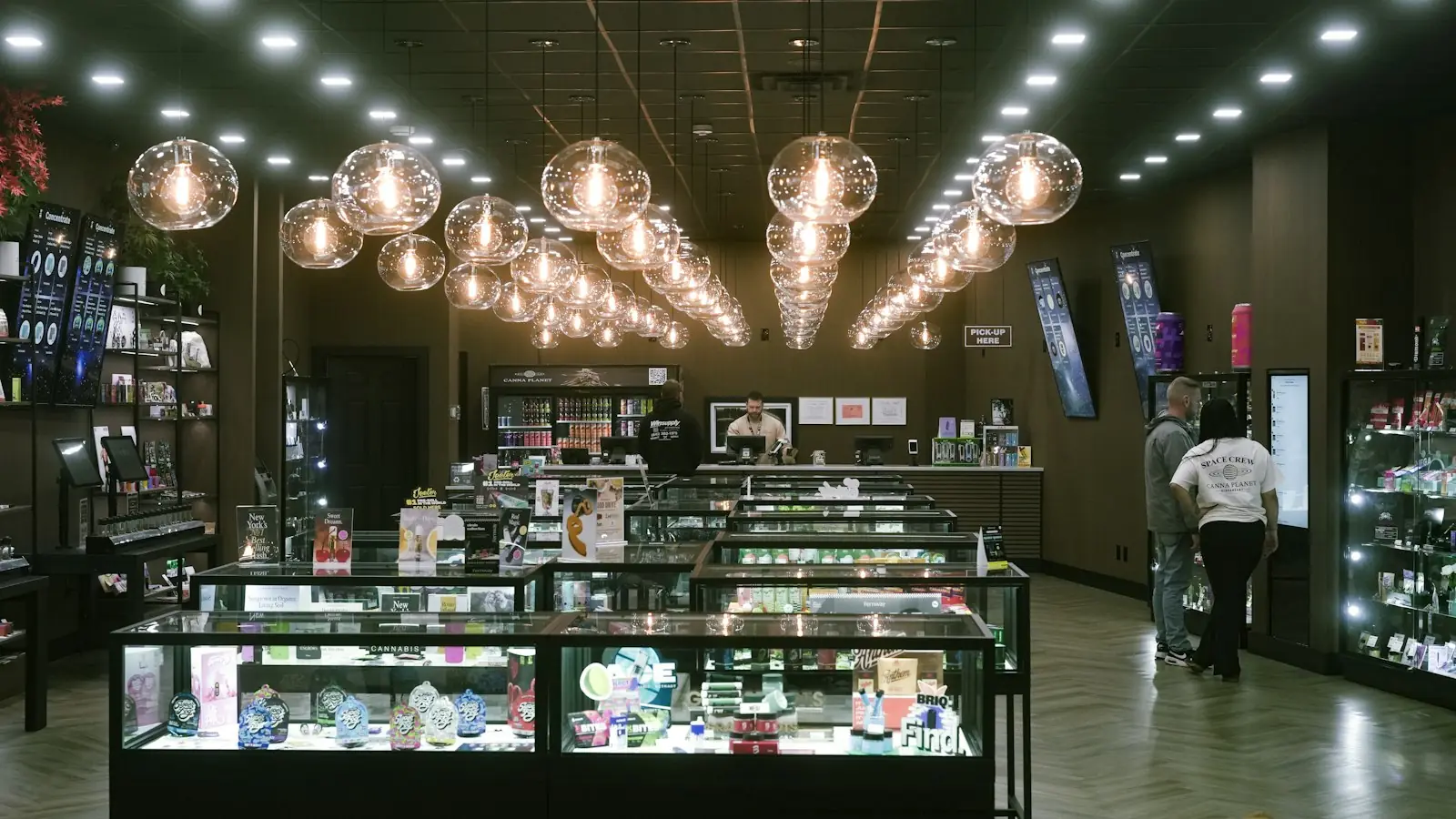 10 days to 1month-end close
Excel & Paper to System
Month-end close cut from ten days to one across a multi-state retail group
10 days to 1month-end close
Excel & Paper to System
Month-end close cut from ten days to one across a multi-state retail group
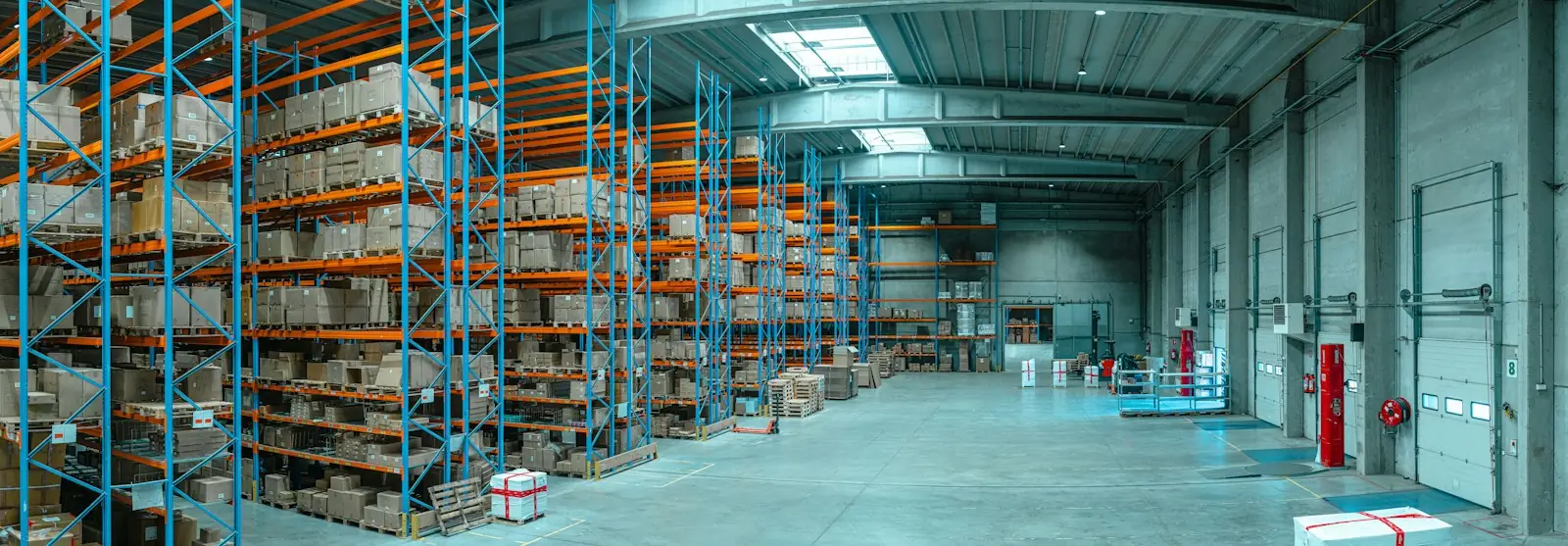 Multi-countryon one cloud platform
Legacy System Replacement
A Singapore supplier moves multi-country, multi-currency operations to the cloud
Multi-countryon one cloud platform
Legacy System Replacement
A Singapore supplier moves multi-country, multi-currency operations to the cloud
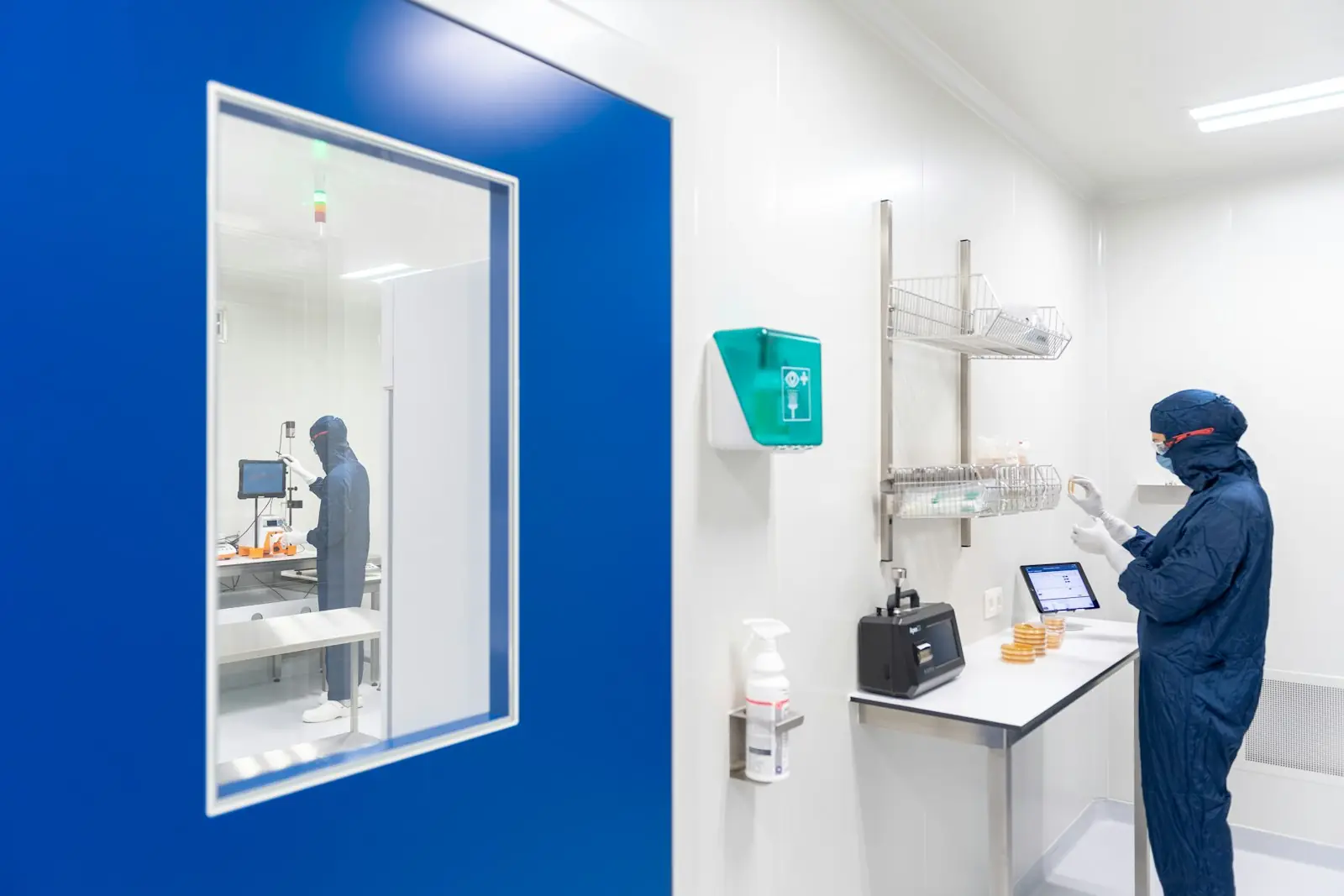 Production to dispatchend to end
Legacy System Replacement
A lubricants manufacturer's first real ERP, from production to dispatch
Production to dispatchend to end
Legacy System Replacement
A lubricants manufacturer's first real ERP, from production to dispatch
FAQ
Cost, timeline, data migration and what we need from your team, answered plainly.
Ask us directlyYes. Our scanner client supports local offline queueing and automatically syncs all scan events upon network restoration.
For a connected business

Next step
Book a 30-minute consultation, or start the configurator with this module already selected.
First call: 30 minutes · A senior consultant, not a sales rep